In Your Face Alternative for Mac — Meetly vs In Your Face
On this page
Looking for an In Your Face alternative for Mac — or wondering whether Meetly is the same kind of fullscreen alert? In Your Face and Meetly both put events in front of you so calendar banners cannot hide behind deep work. They still optimize for slightly different workflows.
In Your Face built its reputation on an unapologetic promise: when something is about to start, it takes the screen. That is exactly the right product idea if your failure mode is dismissing a tiny notification without thinking.
Meetly shares that attention-first design, then connects the reminder to a native menu bar meeting workflow: one-click join, plus Quick Panel, free-time sharing, Apple Reminders, quiet hours, screen-share privacy, and optional iCloud sync of reminder state across Macs on Pro.
If you searched for “In Your Face app” because you keep missing standups, both tools deserve a look. The choice depends on whether you want a dedicated full-screen event alerter across Apple devices, or a Mac meeting reminder that also helps you plan and join the day.
The short version
In Your Face specializes in prominent full-screen event alerts, broad video-link detection, customization, and a footprint that extends beyond the Mac.
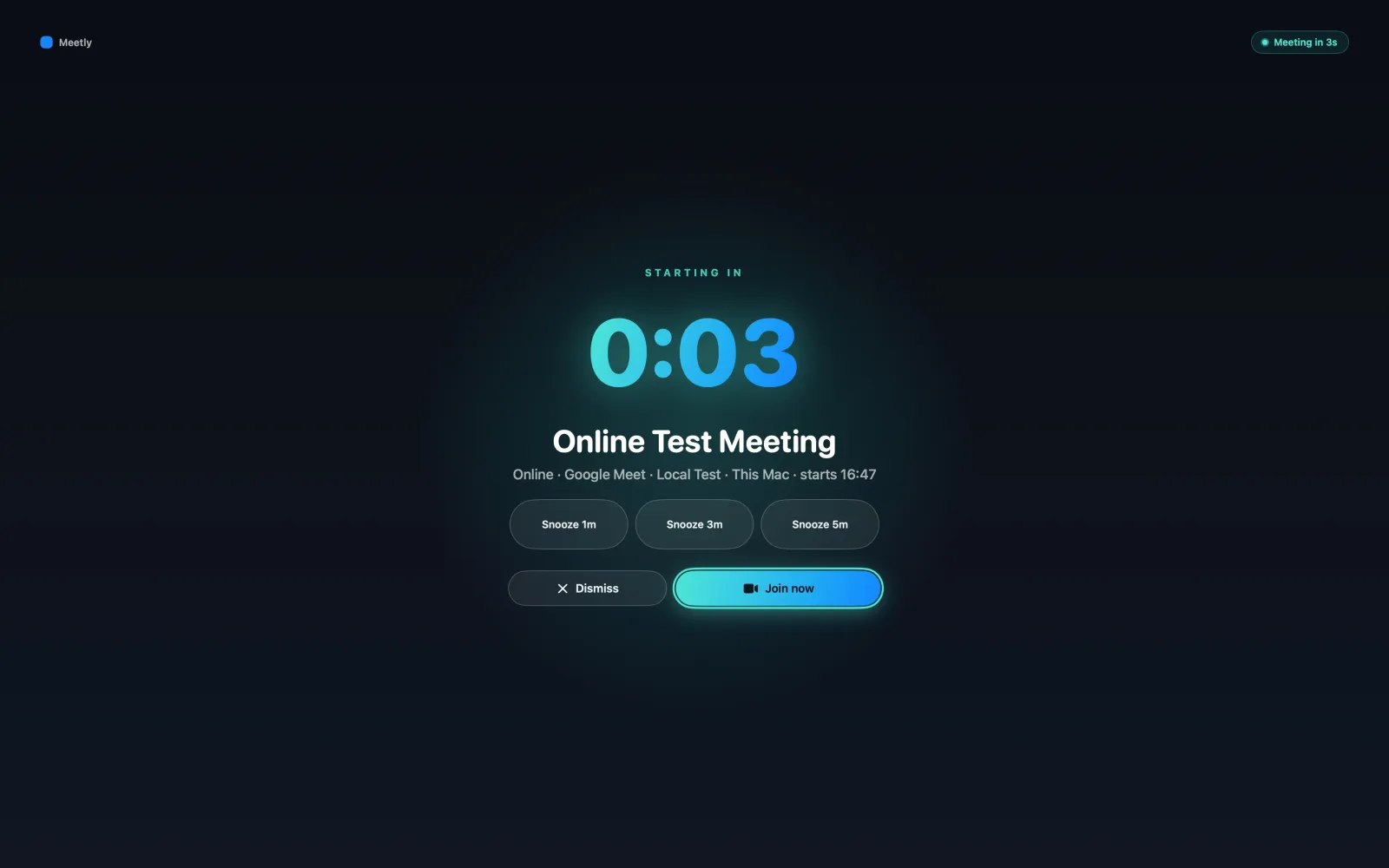
Meetly is a native macOS menu bar meeting reminder: the free core includes fullscreen alerts across displays, live countdown, and Join / Snooze / Dismiss. Pro adds the pinned Quick Panel and is $6.99 (was $9.99) one-time until 30 Sep 2026.
| In Your Face | Meetly | |
|---|---|---|
| Core job | Full-screen event alerts | Meeting reminder + menu bar workflow |
| Fullscreen interrupt | Yes | Yes |
| Menu bar schedule + Quick Panel | Check current app | Free menu / Pro Quick Panel |
| Pricing model | Check App Store / site (often subscription-oriented) | Free + Pro one-time |
Always verify In Your Face’s current pricing and platforms on its App Store page before buying.
What In Your Face does well
In Your Face is mature around the alert itself.
Typical strengths include:
- Full-screen reminders that are hard to ignore
- Apple Calendar integration
- Detection of many video-conference links with one-click joining
- Filters, sounds, themes, and custom alert behavior
- Support that can extend to iPhone, iPad, and Apple Watch depending on the product lineup
- Apple Reminders and non-meeting reminder use cases
If your priority is “make the event take over the screen, on more than one Apple device,” In Your Face is a strong specialist. It has years of brand recognition in this niche for a reason.
What Meetly does differently
Meetly treats the fullscreen reminder as the center of a Mac meeting workflow, not only as an alarm skin.
Fullscreen reminder with actions
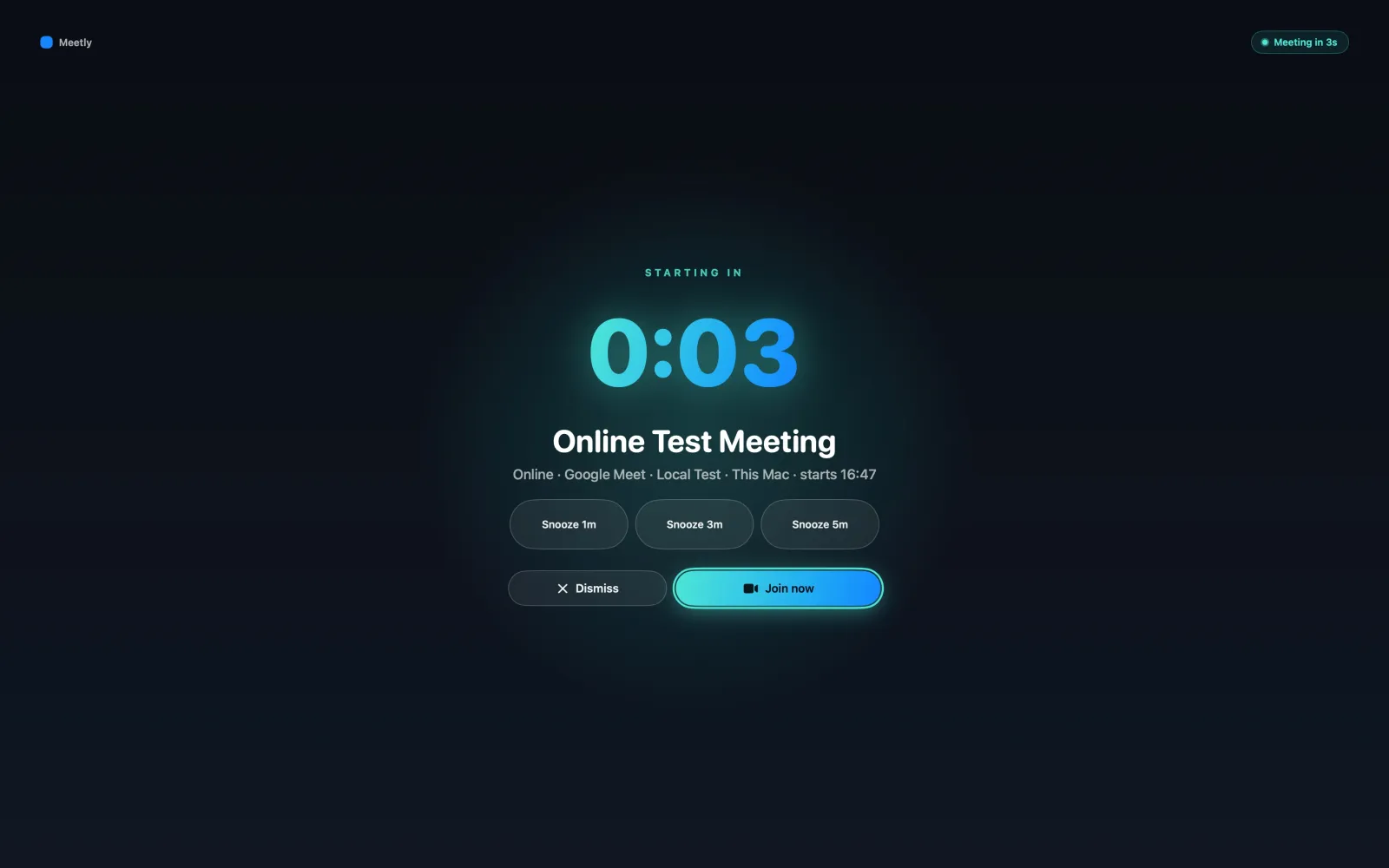
When a meeting approaches, Meetly shows a fullscreen reminder with title, time, countdown, and Join, Snooze, or Dismiss. It is designed to work across displays so the alert is not trapped on the wrong monitor.
Quick Panel for the hours between calls
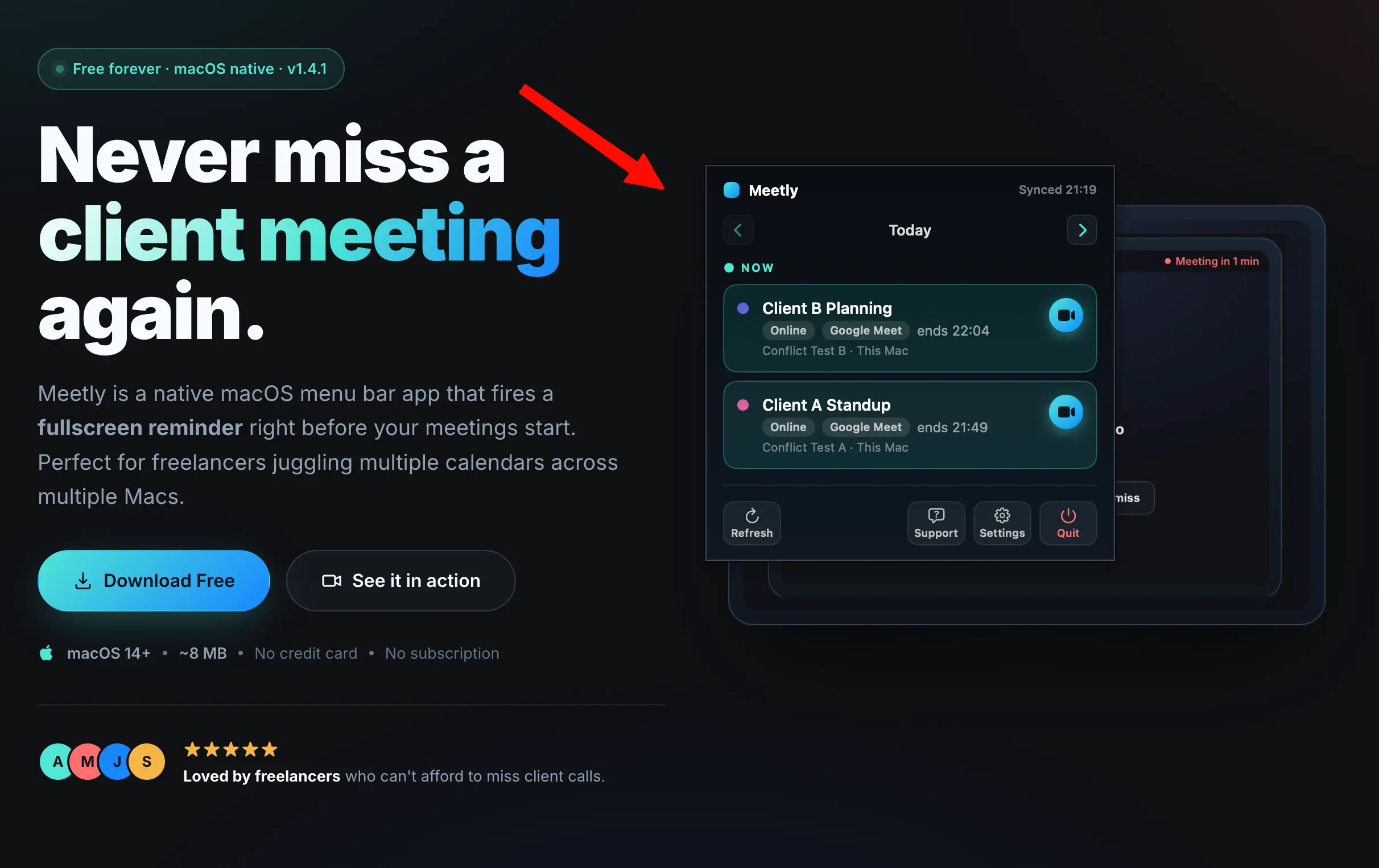
Missing meetings is problem one. Problem two is planning around them. On Pro, Meetly’s pinned Quick Panel keeps upcoming events and countdowns visible without opening Calendar.
Calendars you already use on the Mac
Meetly reads calendars visible in macOS Calendar — Google, Outlook, iCloud, Exchange, and more — rather than forcing a single cloud calendar product. Free covers one calendar; Pro unlocks unlimited calendars.
Pro controls for real workdays
Meetly Pro adds Quick Panel, free-time sharing, post-meeting action items, Apple Reminders with due dates, quiet hours, screen-share privacy, and iCloud sync of meeting actions across Macs using your own iCloud container. Calendar contents stay local-first; Meetly does not run a cloud calendar database of your events.
Meetly vs In Your Face feature comparison
| Capability | In Your Face | Meetly |
|---|---|---|
| Fullscreen / hard-to-miss alerts | Yes | Yes |
| macOS menu bar app | Yes | Yes |
| Live countdown | Yes | Yes |
| One-click video join | Yes (broad detection) | Yes (common meeting links) |
| Pinned Quick Panel / day planning | Limited / different UX | Pro |
| Share free time | — | Pro |
| Post-meeting action items | Check current features | Pro |
| Multiple calendars via macOS Calendar | Via Apple Calendar | Free one / Pro unlimited |
| Apple Reminders | Yes | Pro |
| Quiet hours / screen-share privacy | Check current features | Pro |
| Cross-device (iPhone / Watch) | Strong focus | Mac-first; Pro Mac↔Mac iCloud state |
| Free core plan | Check store | Yes |
| One-time Pro option | Check store | $6.99 (was $9.99) |
Which one should you choose?
Choose In Your Face if you want:
- A specialist full-screen event alerter
- Deep customization of sounds and themes
- Reminders that follow you across Apple devices
- Broad video-service detection as a primary selling point
Choose Meetly if you want:
- An In Your Face alternative for Mac centered on meetings
- Fullscreen alerts and one-click join, plus Quick Panel planning on Pro
- Mixed calendars through macOS Calendar
- Local-first privacy with optional iCloud state sync on Macs
- A free download and a $6.99 (was $9.99) one-time Pro Lifetime unlock until 30 Sep 2026 instead of another subscription decision
When Meetly is not the better alternative
Stay with In Your Face (or use both carefully) if you need iPhone/Watch parity as the main feature, or if you already love In Your Face’s themes and custom reminder system and only wanted a second opinion.
Meetly is Mac-first. It is not trying to be your phone’s alarm app.
The real difference
In Your Face answers:
“Can this event take over my screen before it starts?”
Meetly answers:
“Can I notice the meeting, plan around it, and join it — without another bloated calendar?”
Both respect the same painful Mac truth: banner notifications lose to deep work. Meetly’s bet is that the interrupt should sit inside a complete meeting utility.
Meetly is free for macOS 14+. Pro Lifetime is $6.99 (was $9.99) one-time until 30 Sep 2026 with a 14-day money-back guarantee.
Try Meetly and see whether a fullscreen reminder — plus Quick Panel on Pro — replaces the meetings you keep missing.
In Your Face made the alert famous. Meetly makes the meeting workflow hard to miss.