Make every point visible
Draw, spotlight, highlight clicks, and show keystrokes over any screen or call.
HoverBoard is a screen annotation tool for Mac that puts every tool around your presentation in one quiet menu bar app: draw, spotlight, freeze, screenshot, screen record, whiteboard, private notes, meeting recording, offline transcription, and on-device summaries — all a hotkey away. Screenshot and Screen Record are free forever.
Prefer the long walkthrough? Read the complete guide →
Draw, spotlight, freeze, whiteboard & more — over a live lesson. Watch on YouTube

Your slides are ready. What kills the moment isn't the content — it's fumbling with tools while everyone watches.
"See this number here?" Your cursor vanishes against a bright slide. You end up waving the mouse around hoping anyone can follow.
Need a screenshot, a screen recording, or a quick diagram? Tab out to CleanShot, QuickTime, or another whiteboard — by the time you're back, you've lost the room.
"Five-minute break" becomes fifteen. You forget to track it, the audience disengages, and the agenda slips for the rest of the session.
Every awkward pause costs you credibility. HoverBoard exists so the tools never get in your way again.
HoverBoard helps you stay in the conversation while you present — then turns the session into notes you can actually use. No app switching. No cloud account. No clean-up project afterwards.
Draw, spotlight, highlight clicks, and show keystrokes over any screen or call.
Freeze a frame, open a whiteboard, or build a session as you teach.
Screenshot a region with markup, or screen record to MP4 with trim and speed controls — without leaving HoverBoard. On Pro, also record meetings from Notes.
Transcribe meetings offline, label speakers, and create private summaries, decisions, and action items on your Mac.
Capture stills or video without a second app. Screenshot adds region/full-display capture with Copy, Save, and markup. Screen Record adds Full Screen, Selection, or Window capture, mic and system audio toggles, and a post-record editor for trim, speed, and crop.
Record from Notes, transcribe English locally, label speakers, and create on-device summaries with key points and action items when your Mac supports it.
Click through the moments where presenters usually lose momentum — every one is a single hotkey away, layered right over your screen. Full walkthrough in the How to Use HoverBoard guide.
Press a hotkey and your cursor becomes a pen. Draw freely, add arrows and rectangles, use the highlighter or laser pointer, and pick colors and stroke width. Set drawings to auto-fade or keep them until you dismiss.
Read the Draw guide and watch the walkthrough →
Capture the current screen as a frozen image, then draw on top. Your audience sees the snapshot while you annotate and explain at your own pace — no more rushing while content changes underneath you.
Read the Freeze guide and watch the walkthrough →
Open a private whiteboard without leaving your presentation. Build mindmaps, drop sticky notes and checklists, add media links, or sketch system design with architecture stencils. Export when you're done.
Read the Whiteboard guide and watch the walkthrough →
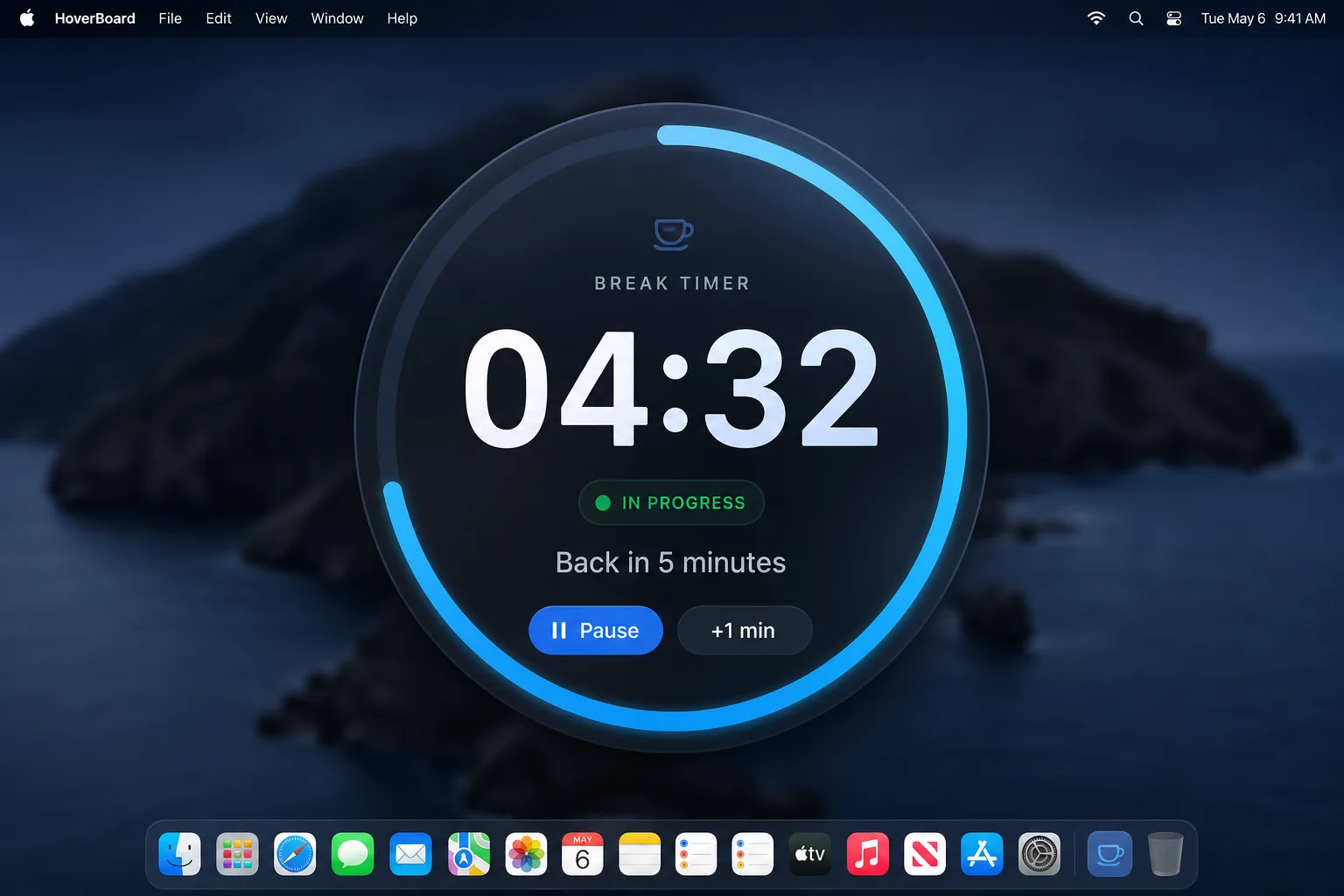
Set a countdown timer overlay for breaks. Choose fullscreen or a minimal corner display, customize the message, and add an optional chime when time's up. Perfect for workshops and long sessions.
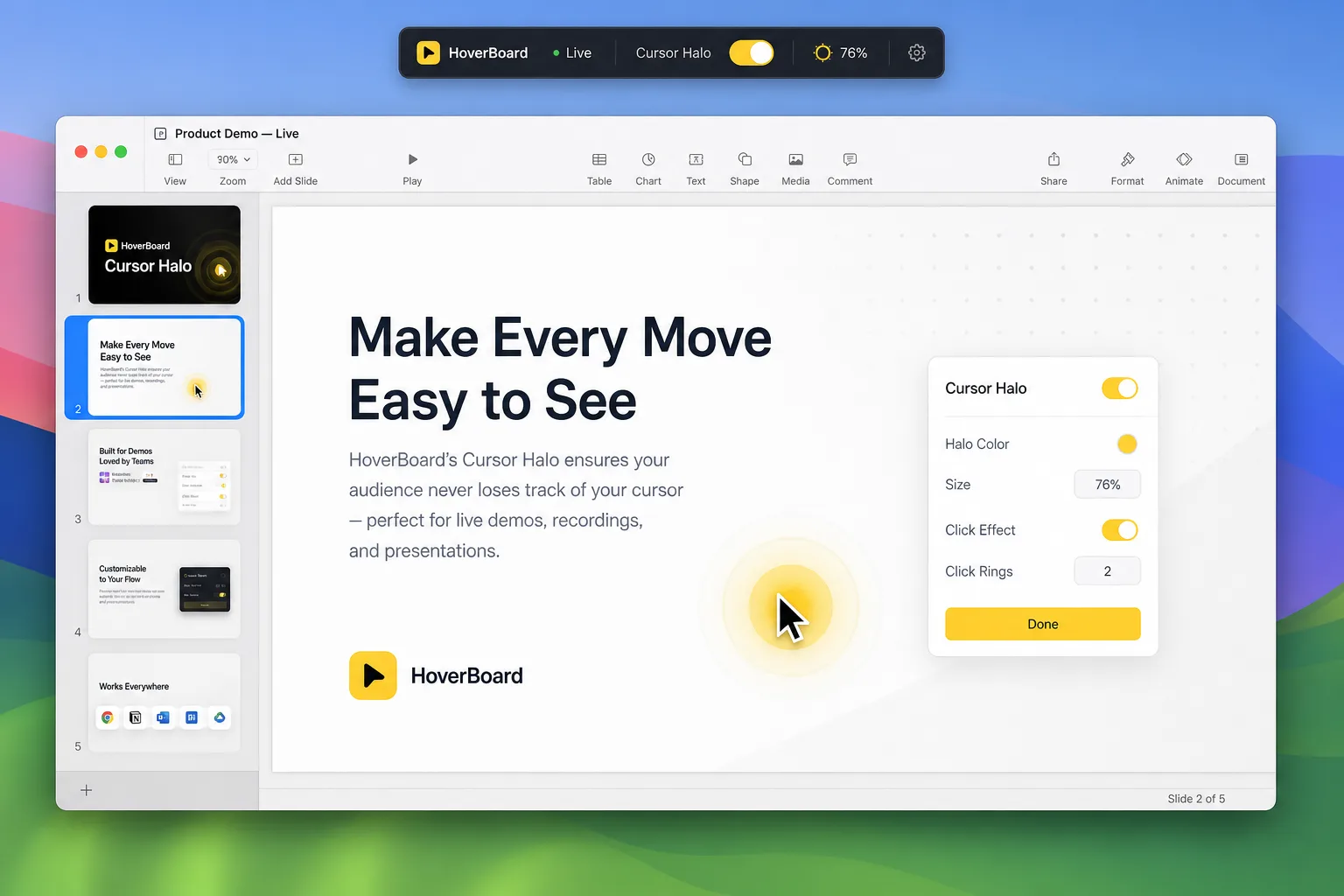
Add an animated halo around your cursor. Customize color, size, and animation style, with click effects that show exactly where you're interacting. Essential for screen recordings, demos, and remote teaching.
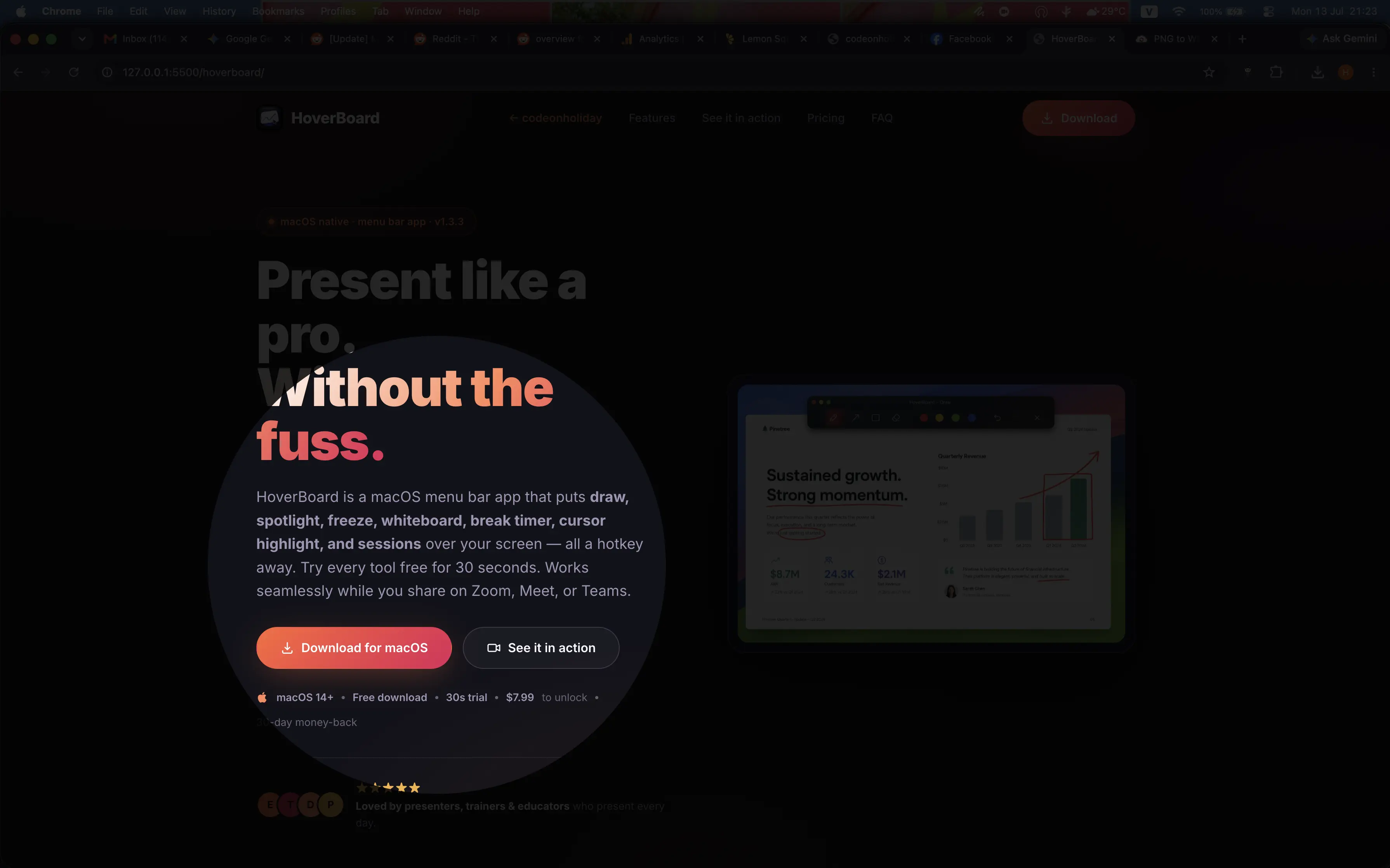
Dim the screen and put a soft-edged spotlight hole around your cursor. Viewers follow your pointer without you waving the mouse — and click-through stays enabled so you can still interact.
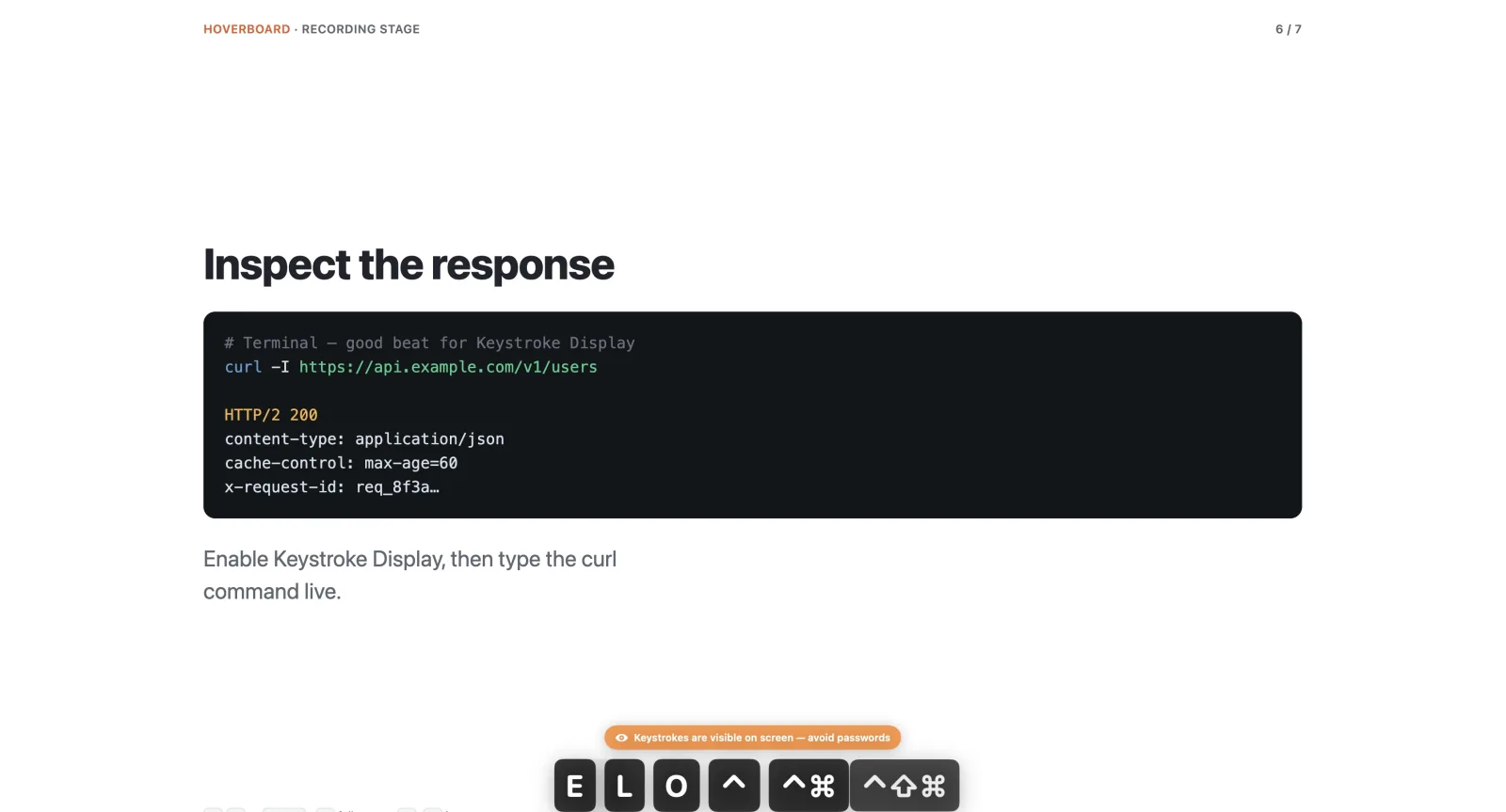
Display live keystrokes on screen while you present or record — perfect for shortcuts demos and tutorials. HoverBoard asks for a privacy confirmation the first time you enable it, and Esc closes the overlay.
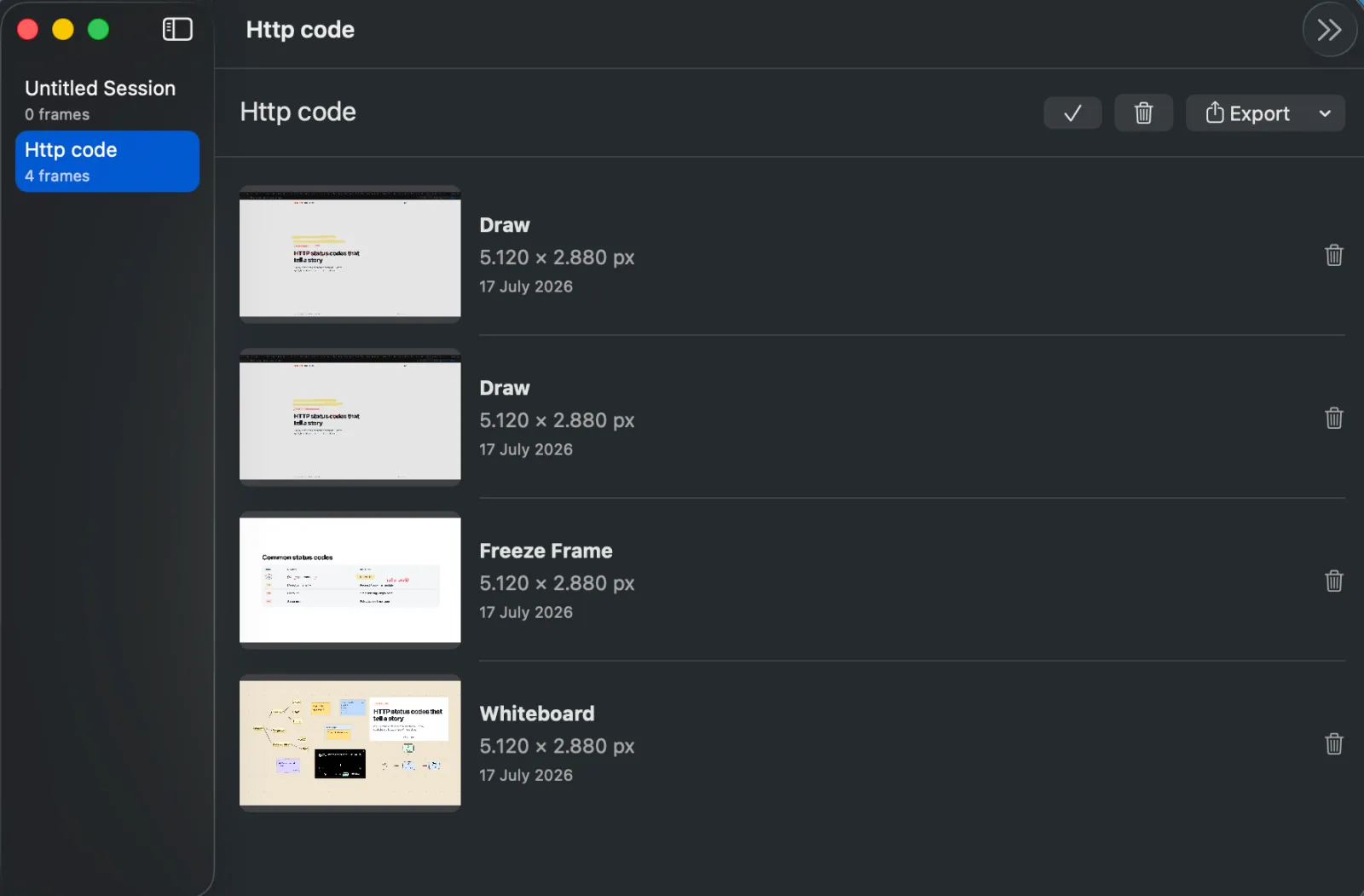
Save frames from Draw, Freeze, or Whiteboard into a local Session library. Reorder, rename, and export an ordered PNG set or multi-page PDF when the session is done. Everything stays on your Mac.
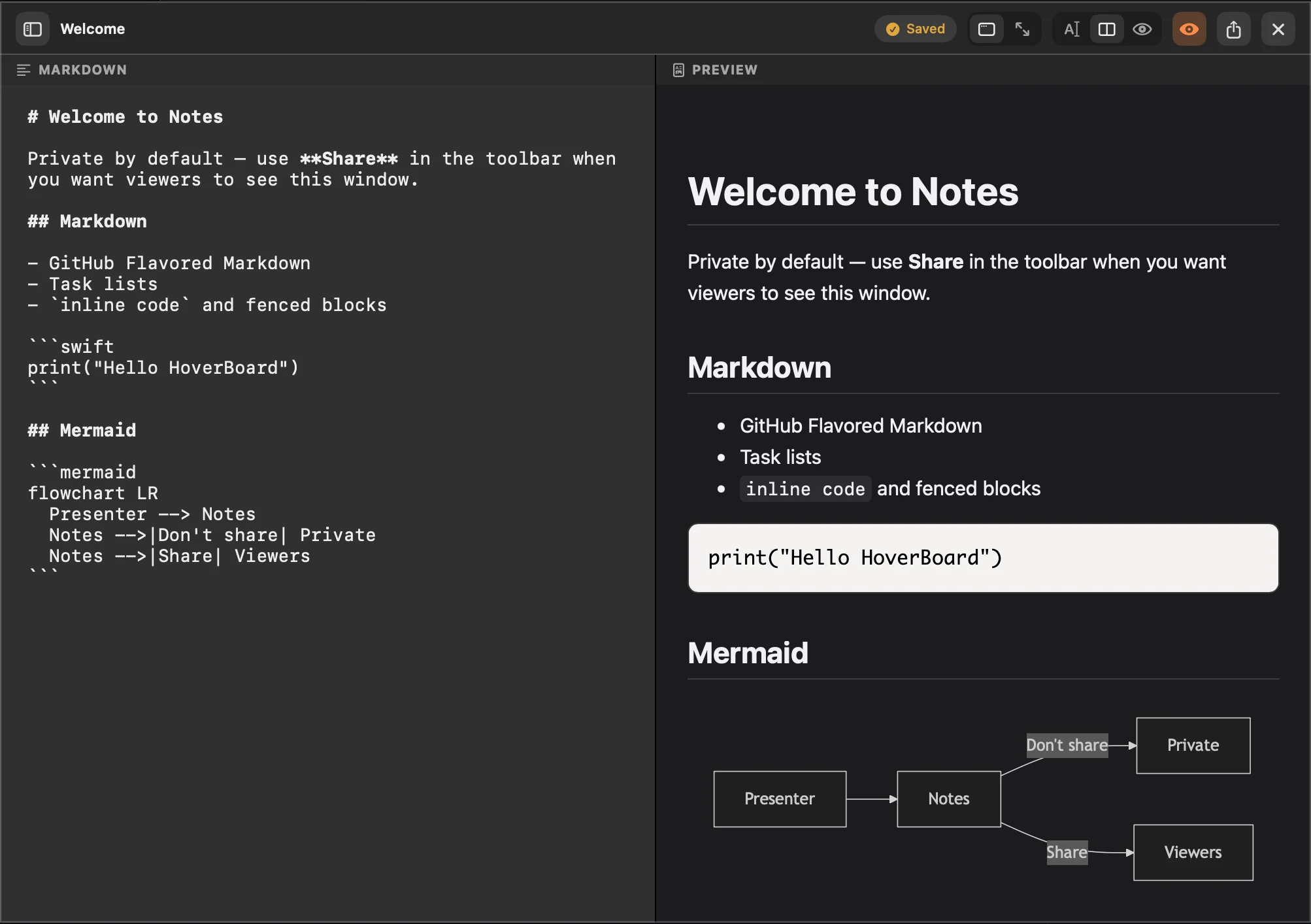
Keep speaker notes, prompts, and technical details beside your presentation in a fast local Markdown workspace. Notes stay private by default, so your audience sees only what you intentionally share.
Capture a meeting from Notes, then turn the recording into a searchable local transcript and a private summary with key points, decisions, and action items.
Read the Recording guide and watch the walkthrough →
Quiet tools for the live session, plus screenshot, screen record, and a private way to make sense of what happened afterwards.
Every tool appears exactly where you need it: over your slides, browser, IDE, or video call. Stay in the conversation instead of hunting through windows.
Present on Zoom, Meet, Teams, Keynote, PowerPoint, a browser, or an IDE without changing how you share your screen.
No account, no cloud workspace, and no telemetry on your screen contents. Your notes, recordings, transcripts, and sessions stay on your Mac.
Grab a still with ⌃⌥G or record the screen with ⌃⌥V — region, full display, or window — then mark up PNGs or trim MP4s without opening CleanShot or QuickTime.
Capture frames, screenshots, screen recordings, notes, transcripts, and follow-up in one workflow — then export what you need when the session is done.
Global hotkeys use a consistent Control-Option leader by default, and every shortcut can be remapped in Settings.
Spotlight, Break Timer, Screenshot, and Screen Record never require Pro. Try Draw and the rest for 60 seconds, then unlock the full workflow with a one-time Pro license.
Lightweight and quiet until you summon it, so the app supports your presentation without becoming part of the distraction.
Turn a live session into something you can keep: PNG screenshots, trimmed MP4 recordings, annotated frames, whiteboards, notes, transcripts, and follow-up without rebuilding the work in another app.
Presentify and similar apps are great at drawing on screen, cursor focus, and spotlight. HoverBoard is a broader Mac presentation tool: it adds Freeze, Screenshot, Screen Record, Timer, Keystrokes, Mindmap Whiteboard, private Notes, and Sessions — with Spotlight, Timer, Screenshot, and Screen Record free forever, plus a 60-second Draw trial. Read the full Presentify alternative comparison →
Also compare: Free screenshot for Mac · Free screen recorder · CleanShot X (presenting) · KeyCastr · Loom / Screen Studio · Zoom / Meet annotation
| HoverBoard | Presentify & similar | Stock macOS / Keynote pointer | |
|---|---|---|---|
| Draw & annotate over any screen | |||
| Cursor highlight / halo | |||
| Spotlight focus | |||
| Screen zoom magnifier | |||
| Freeze the screen & explain | |||
| Break timer overlay | |||
| Screenshot with markup (free) | ⌘⇧4 / ⌘⇧5 | ||
| Screen record + trim / speed editor (free) | QuickTime basic | ||
| Live keystroke display | |||
| Infinite whiteboard + mindmap / collage | Simple board | ||
| Sessions capture & PDF export | |||
| Private Notes — Markdown, Mermaid & PDF export | |||
| Excalidraw / SVG export | |||
| Spotlight, Timer, Screenshot & Record free forever | Paid / Setapp | — | |
| One-time purchase, no subscription | — | ||
| Works over Zoom / Meet / Teams | — |
"This app is incredibly cool! I help my parents with their MacBooks whenever they need it. Thanks to the cursor highlighting, they no longer have to ask, 'Which button should I press?' It's really handy to start highlighting something or drawing arrows. Or take the whiteboard feature — you can easily sketch out a diagram or write something… This app is just awesome! Thanks so much!"
"I teach three online classes a day. Freeze & Explain alone changed how I walk through diagrams — I snapshot the slide, annotate step by step, and the class actually follows. The hotkeys are muscle memory after a day."
"Demoing software to clients used to mean endless 'let me find the right window'. Now I draw on the screen, freeze to explain a flow, and the halo shows every click. My demo recordings look professional with zero editing."
Download the same app for everyone. Spotlight, Break Timer, Screenshot, and Screen Record stay free forever. Try Draw, Freeze, Whiteboard, Notes, Cursor Halo, Keystroke Display, Sessions, and more for 60 seconds, then unlock the full workflow with a one-time Pro license.
Present every day with Spotlight, Break Timer, Screenshot, and Screen Record — no account, no trial countdown, no card.
Everything unlocked on every Mac you own. Pay once — own it forever.
One-time payment, not a subscription. Same download for Free and Pro — buy a license, paste the key from your email to unlock. Back to School 30% off until 30 Sep 2026. 30-day money-back guarantee, no questions asked.
Install HoverBoard once. Screenshot, screen record, draw, and present — without fighting your software mid-session.
Missing something? Request a feature