Best Free Screenshot Tool for Mac — HoverBoard Region Capture & Markup
On this page
Need a free screenshot tool for Mac that does not mean juggling ⌘⇧4, Preview, and Markup every time you teach or demo? macOS built-in shortcuts are fine for one-off captures. Dedicated apps like CleanShot X are excellent when capture is your whole job. HoverBoard 1.4 adds a different angle: screenshot inside the same menu bar app you already use to present — and it is free forever.
What makes a good Mac screenshot app?
- Fast capture — region drag or full display without opening another app
- Share quickly — copy to clipboard or save PNG
- Light markup — arrows, text, crop when you need a clean share
- Fits your workflow — especially if you already annotate or record while presenting
HoverBoard Screenshot — free forever
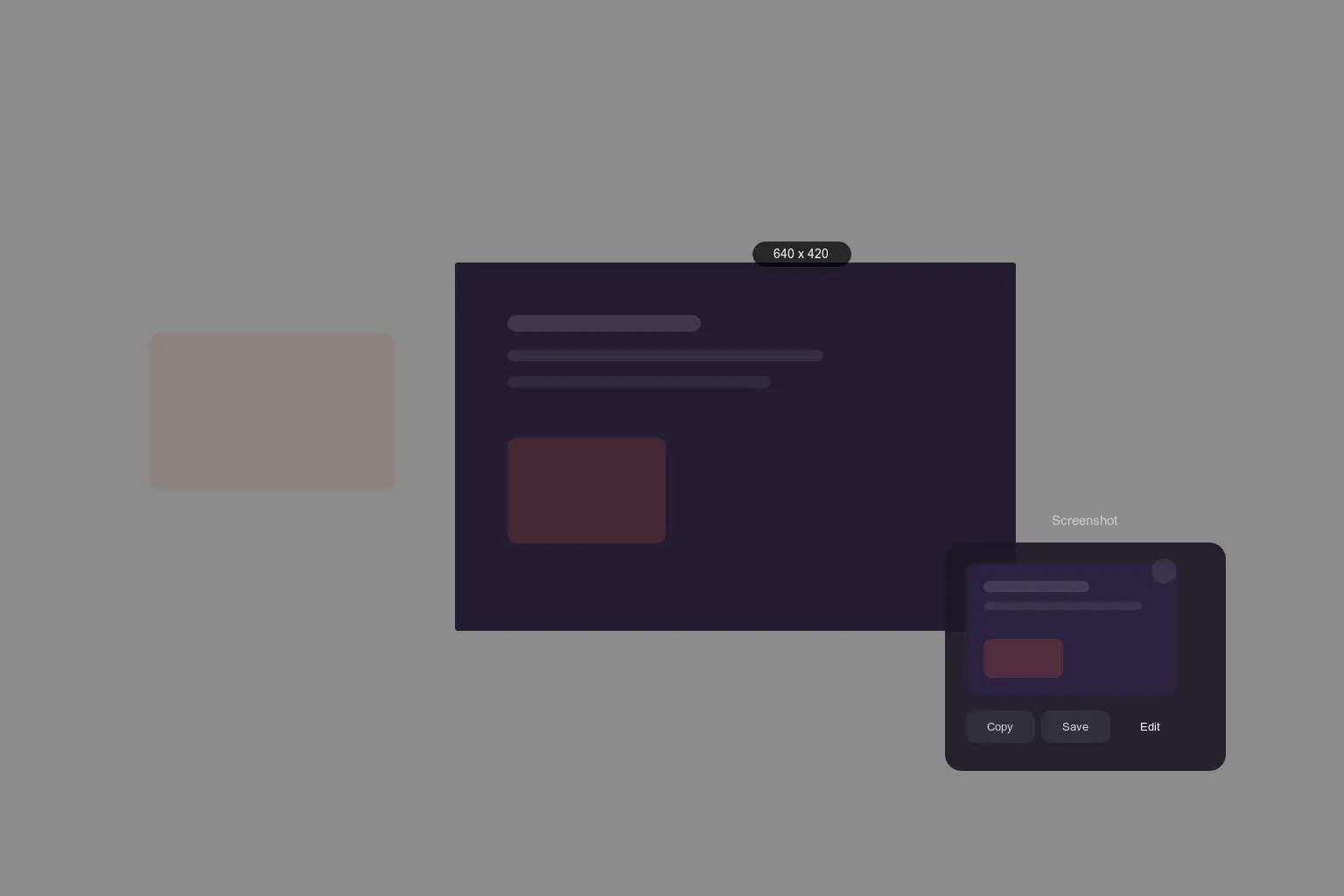
Press ⌃⌥G (or use the menu bar) to start capture:
- Drag a region, or press Space / Enter for the full display
- Use Copy, Save, or Edit from the compact HUD
- Mark up with crop, pen, arrow, rectangle, and text before export
Screenshot does not start HoverBoard’s 60-second Pro trial. It ships in the free download with Spotlight and Break Timer.
Guides: How to use HoverBoard Screenshot · Complete guide
Best for
- Presenters who need a still mid-call without leaving HoverBoard
- Teachers capturing a frame while Draw or Spotlight is already open
- Anyone who wants one hotkey app for annotate + screenshot + optional screen record (also free)
Honest limits
HoverBoard is not a CleanShot replacement for scrolling capture, OCR, pinned shots, or a capture history library. For power-user screenshot workflows, keep CleanShot — see HoverBoard vs CleanShot X.
macOS built-in shortcuts (⌘⇧3 / ⌘⇧4 / ⌘⇧5)
Apple’s shortcuts are free and reliable. Markup in Preview works for basic edits. The gap is context switching during a live session: you leave the presentation flow, hunt the right window, then paste elsewhere. HoverBoard keeps capture beside Draw, Spotlight, and Freeze.
CleanShot X — best dedicated capture suite
CleanShot X remains the specialist for screenshot-heavy work: scrolling captures, cloud options, OCR, and a polished capture toolkit. Many teams run CleanShot for async docs and HoverBoard for live teaching — that is a rational setup.
Quick comparison
| Tool | Price | Region / full screen | Markup | Live presentation stack |
|---|---|---|---|---|
| macOS shortcuts | Free | Yes | Preview / Markup | No |
| CleanShot X | Paid license | Excellent | Strong | Separate app |
| HoverBoard Screenshot | Free forever | Yes | Yes (editor) | Same app as Draw / Spotlight |
Bottom line
For free screenshot on Mac while you present or demo, HoverBoard 1.4 is the straightforward pick: ⌃⌥G, copy or save, optional markup, no Pro license.
For screenshot-as-a-career (OCR, scrolling, history), stay with CleanShot X.
Download HoverBoard free · Related: Best free screen recorder for Mac · CleanShot X alternative for presenting